
Set up hold reasons
Choose the reasons your team can pick when putting a project on hold, sort them into groups, and add your own.
When someone places a hold on a project, they pick a reason from your company's list. Use Hold reasons to rename the starter reasons, put them in the order you want, turn off the ones you don't use, and add your own.
Before you start
You need the Owner or Admin role.
Open the list
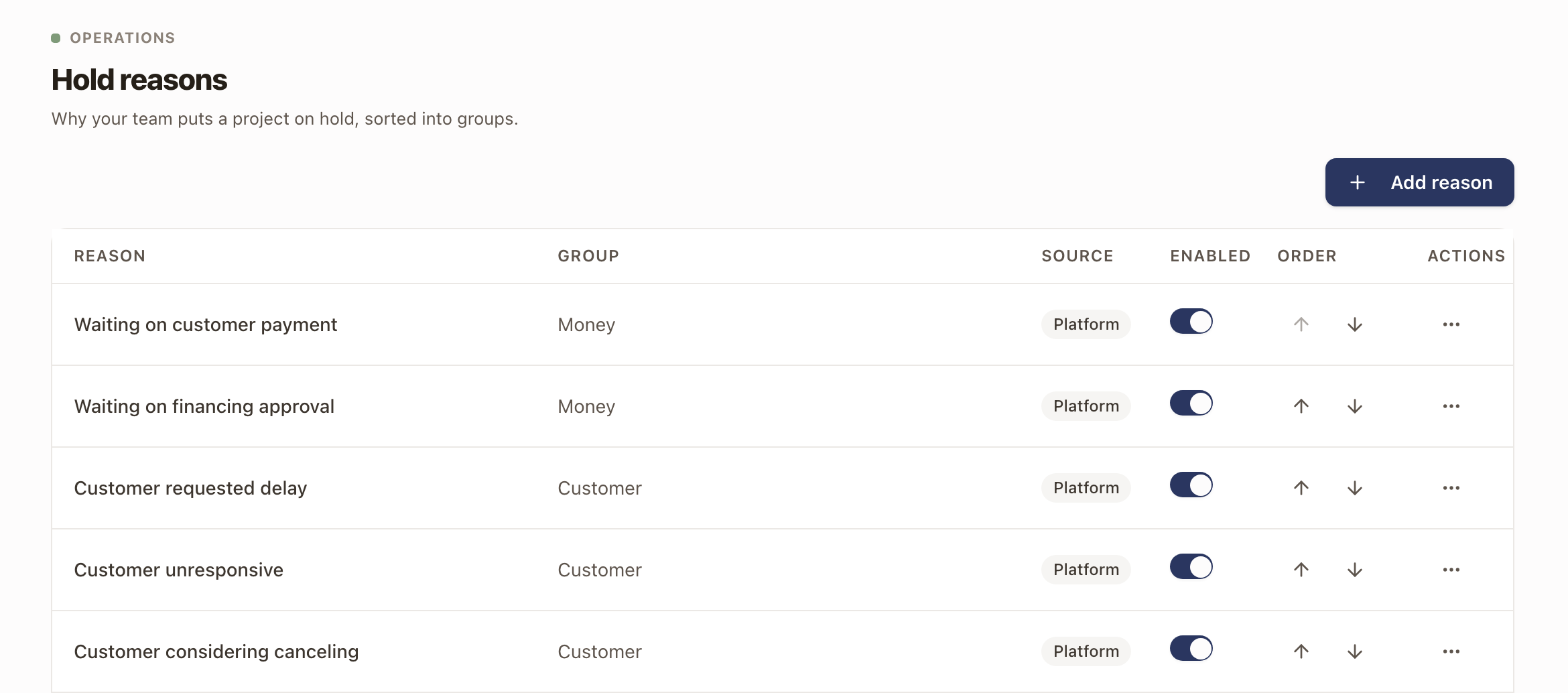
Go to Settings → Operations → Hold reasons. Every company starts with 13 reasons, each in one of five groups:
| Group | Starter reasons |
|---|---|
| Money | Waiting on customer payment, Waiting on financing approval |
| Customer | Customer requested delay, Customer unresponsive, Customer considering canceling |
| Approvals | Waiting on HOA approval, Waiting on utility approval |
| Other trades | Waiting on work by another trade, New construction not ready |
| Operations | Waiting on materials, Change order required, Redesign required |
Other has no group. It's always available, can't be turned off, and always needs a note when someone picks it.
The table shows each reason's Group, its Source (Platform for the starter reasons, Custom for ones you add), whether it's Enabled, and its Order.
Add a reason
- Click Add reason.
- Enter the Reason, up to 80 characters.
- Choose a Group.
- Click Add reason.
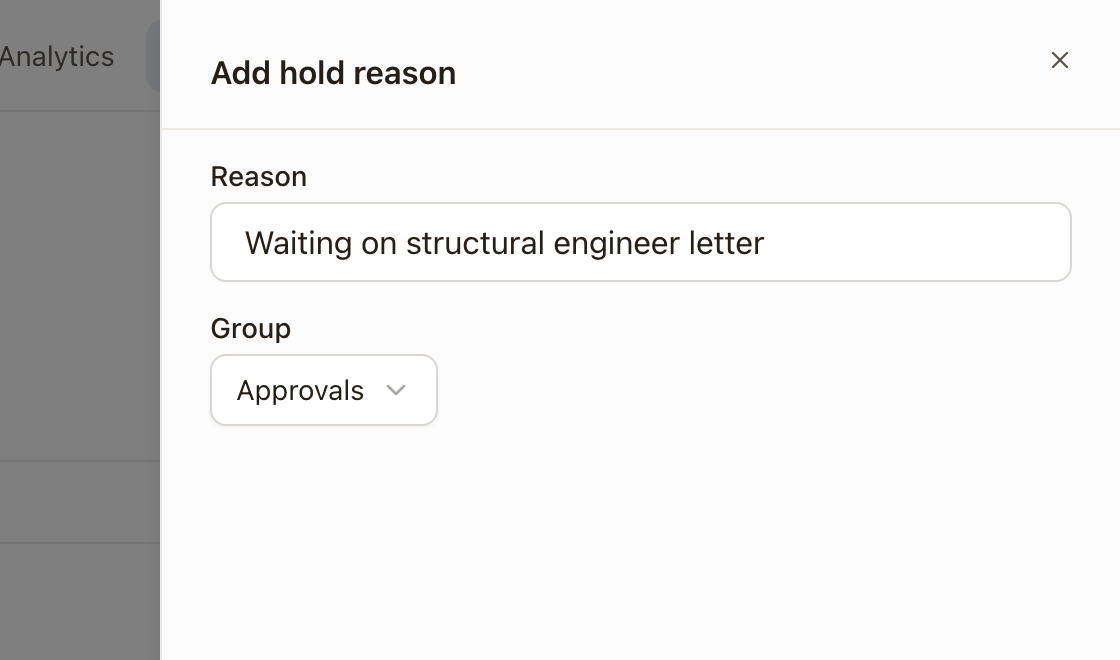
The new reason goes to the end of the list and appears in the Place hold drawer on every project. A name that's already in the list is refused.
Rename or regroup a reason
- Click the ⋯ menu on the reason's row and click Edit.
- Change the Reason name or its Group. Other keeps its group of none.
- Click Save changes.
Holds already placed show the new name.
Reorder or turn off a reason
- Click the up or down arrow under Order to move a reason. The Place hold drawer lists reasons in this order within each group.
- Use the Enabled switch to turn a reason off. A reason that's off stops appearing in the Place hold drawer. Holds that already use it keep it, and you can still edit them.
Delete a reason
Reasons you added show Delete in their ⋯ menu. A reason that any hold has used can't be deleted: the message says how many holds use it and suggests turning it off instead. The starter reasons can be turned off but not deleted.
Check it worked: open a project, click ⋯ → Place hold, and open Reason. Your enabled reasons appear under their groups, in the order you set.
Common problems
- A reason is missing from Place hold. It's turned off. Switch it on under Enabled.
- You can't turn off Other. Other is always available so there is a reason for every case.
- There's no Add reason button, and the switches are greyed out. Your role can view settings but not change them. Ask an Owner or Admin.