
Gift free months with an offer
Create a signup link that gives a customer free months of a maintenance plan.
A plan offer is a signup link that gives a customer a number of free months on a maintenance plan, for example as a thank-you for a referral. solarOS charges your organization the platform fee up front for every gifted period; the customer pays nothing until the gift runs out.
Before you start
You need the Owner, Admin, or Operations Manager role to create or revoke an offer. Viewing the list is open more broadly. Your organization also needs to have completed Payments (Stripe Connect) onboarding; see below.
Steps
- Go to Monitoring → Offers.
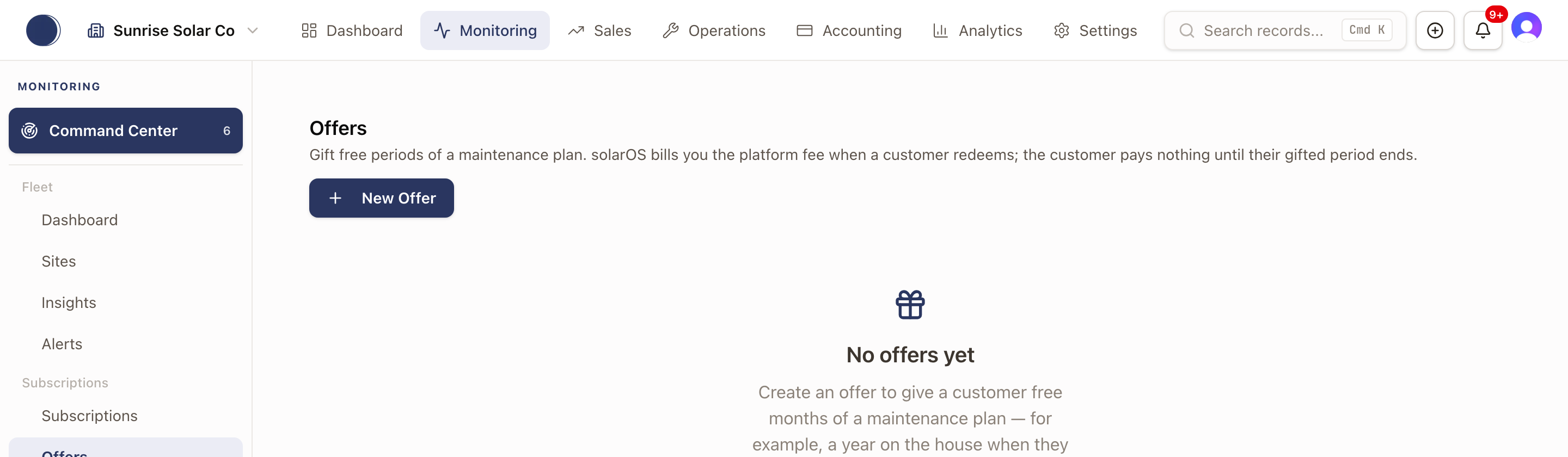
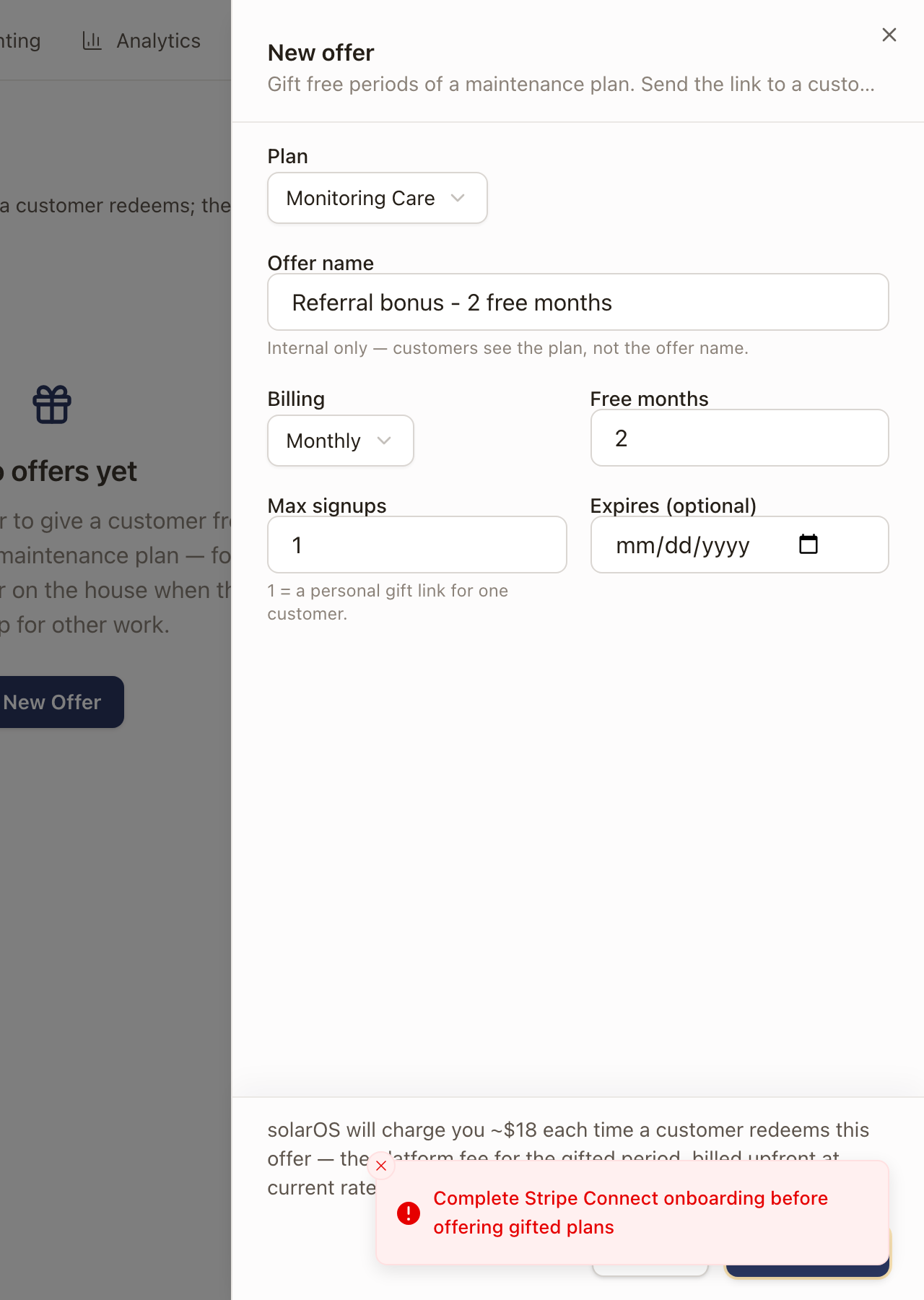
- Click New Offer. Pick a Plan, type an internal Offer name (customers see the plan, not this name), and set Billing (Monthly or Annual), Free months, Max signups (1 makes it a personal link for one customer), and an optional Expires date. The form shows the platform fee solarOS will charge per redemption before you create it.
- Click Create offer.
Payments is required
Creating an offer needs your organization's Payments (Stripe Connect) onboarding completed. If it isn't, saving fails with "Complete Stripe Connect onboarding before offering gifted plans."
Check it worked
A created offer's signup link copies to your clipboard automatically, and it appears on the Offers list with its redemption count and status (Active, Revoked, Expired, or Fully redeemed). From its row, you can copy the link again, Send it to a specific customer, or Revoke it (redemptions already made keep their gift).
Common problems
Create offer fails with a Stripe Connect message. Payments isn't fully connected for your organization yet; this can't be worked around from the offer form.