
Get a plan in front of customers
List a maintenance plan in your catalog, gift free periods with plan offers, and understand what a subscription earns over time.
Building a plan (see Build a maintenance plan) is only half the job. To actually sell it, list it in your service catalog, and optionally gift free periods of it with a plan offer.
Before you start
You need the Owner or Admin role for the service catalog and deliverable types. Plan offers can be viewed more broadly (Owner, Admin, Sales Manager, Operations Manager, Operations User), but creating or revoking one needs Owner, Admin, or Operations Manager.
List the plan in your service catalog
Your service catalog is the general list of sellable things, used across quotes and your public shop, not just monitoring plans.
- Go to Settings → Service catalog.
- Click Add Offering.
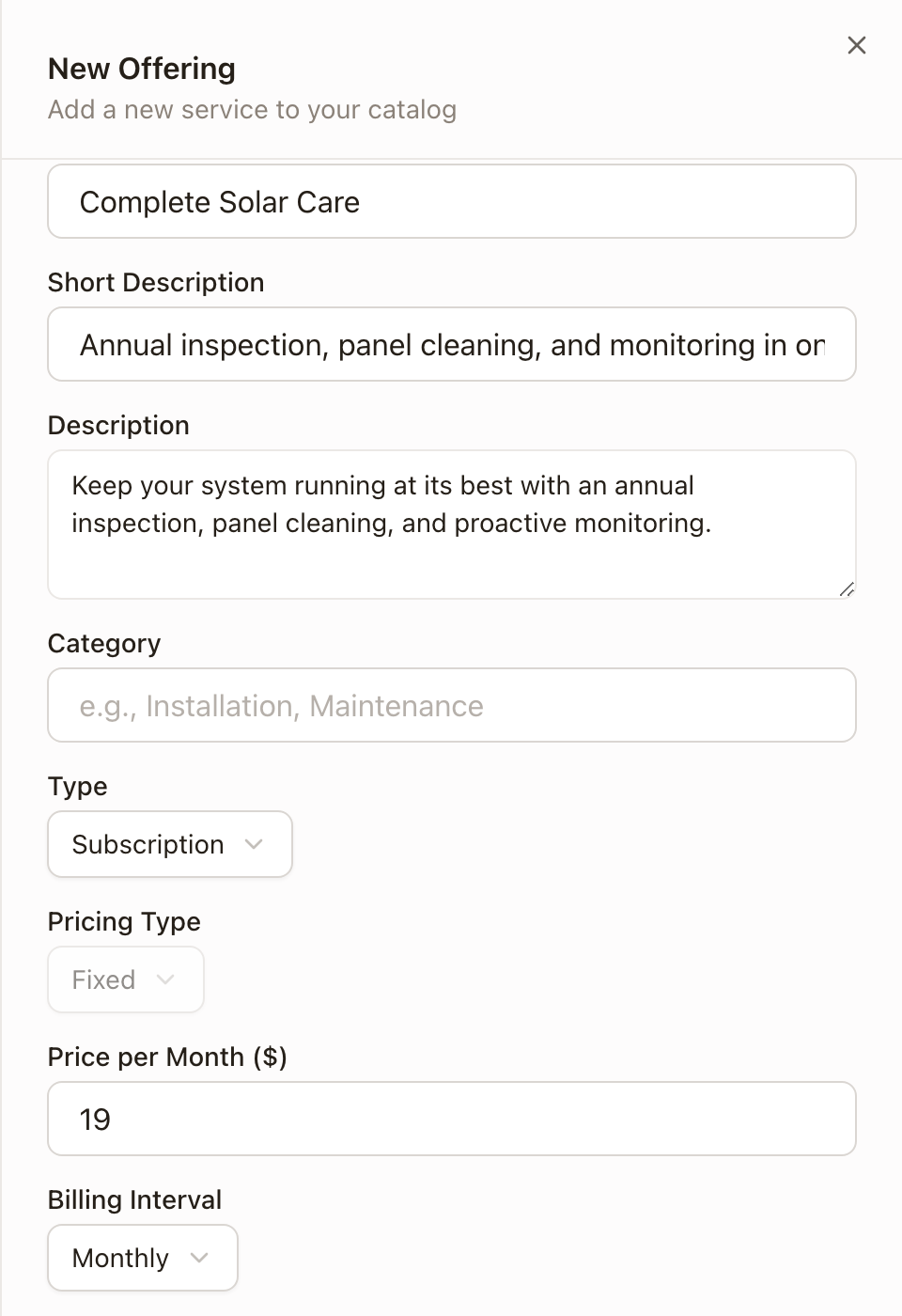
- Type a Name, Short Description, and Description.
- Set Type to Subscription. This reveals a Price per Month, Billing Interval, and Subscription Plan picker.
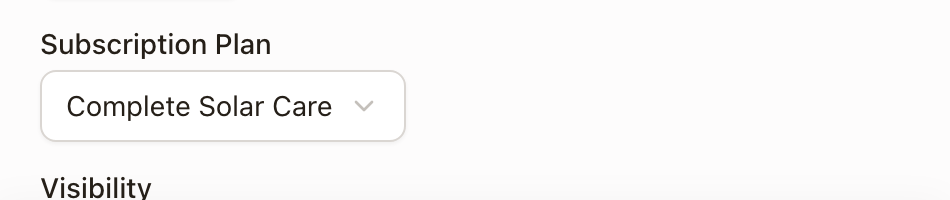
- Under Subscription Plan, pick the maintenance plan this offering sells.
- Set Visibility: Internal, Store, Marketplace, or Store + Marketplace.
- Click Create Offering.
The offering keeps matching the plan automatically: if the plan versions (see Build a maintenance plan), the catalog listing follows it.
Gift free periods with a plan offer
A plan offer gifts a customer a number of free months on an active plan, through a tokenized signup link. solarOS charges your organization the platform fee up front for every gifted period; the customer pays nothing until the gift runs out.
- Go to Settings → Plan offers.
- Click New Offer.
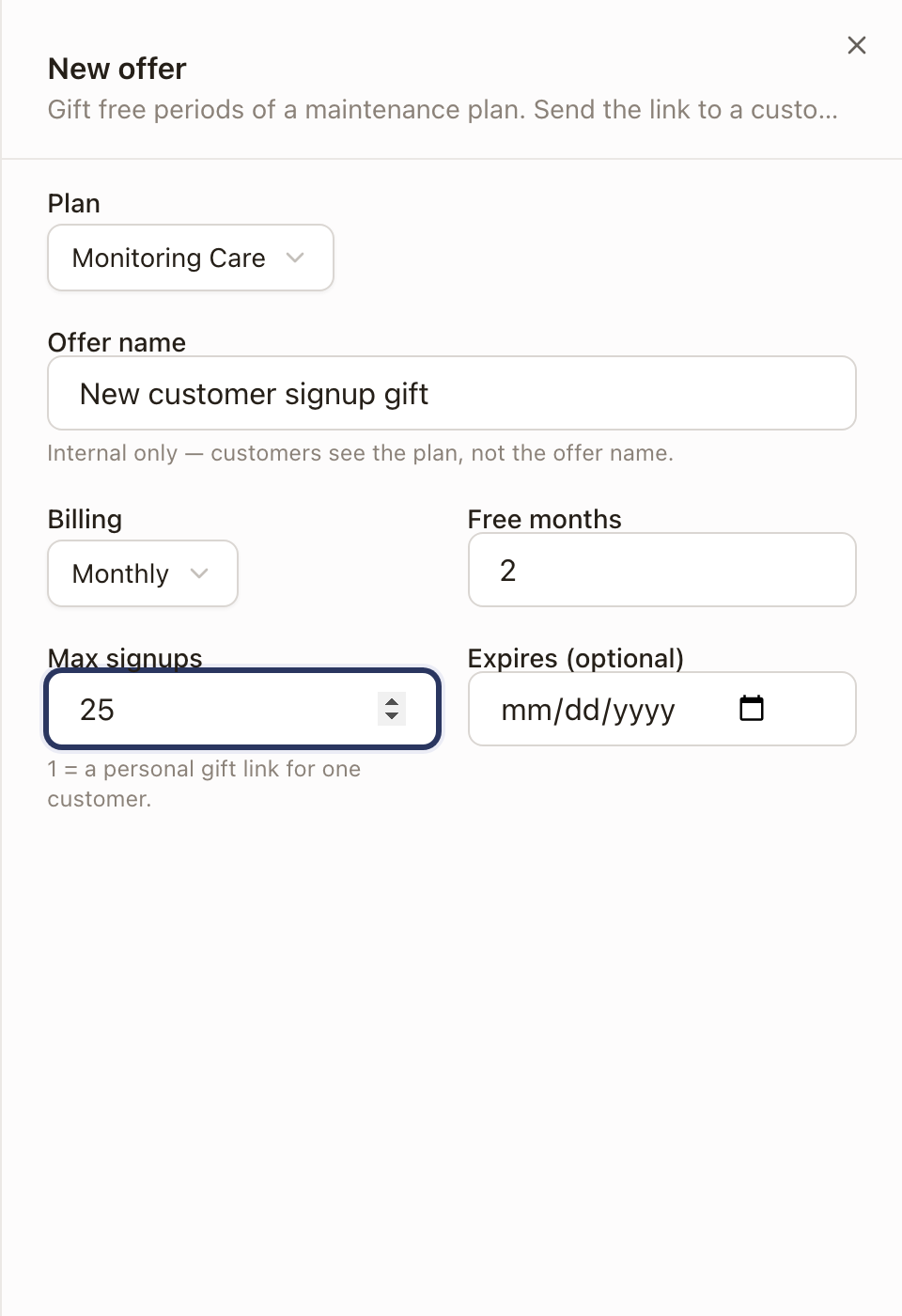
- Pick a Plan. Only active plans show up here.
- Type an internal Offer name (customers see the plan, not this name).
- Set Billing (Monthly, or Annual for a full first year free), Free months, and Max signups (1 makes it a personal link for one customer).
Creating a plan offer also needs Payments (Stripe) connected for your organization, separately from whether the plan itself is active. If Stripe isn't connected yet, solarOS blocks the save and tells you so; connect it first (see Monitoring setup), then come back to create the offer.
What a subscription earns over time
Once a customer subscribes, directly or through an offer, solarOS creates a subscription bound to their property. As it activates and renews, each deliverable on the plan becomes an entitlement: a trackable obligation that moves from Pending to Earned to Scheduled to Fulfilled (or Expired or Voided) as the work happens. This is what turns "sells monitoring and an annual inspection" into an actual inspection getting scheduled on the right property at the right time.
Check it worked
The service catalog list shows your offering with its type, price, visibility, and active status. The maintenance plans list shows the plan's subscriber count ticking up as people sign up.
Common problems
A maintenance plan doesn't show up when creating a service catalog offering, or when creating a plan offer. For a plan offer specifically, only active plans are eligible; an inactive plan (one still waiting on Stripe Connect) won't appear. See Build a maintenance plan for the Stripe requirement.
An Annual plan offer won't save. Annual offers require the plan itself to have an annual price set, not just a monthly one.
Creating a plan offer fails and nothing seems to happen. Check for a message about completing Stripe Connect onboarding; plan offers require it for your whole organization, even when the plan itself is otherwise usable.